


A WiFi dead zone means one thing: your router cannot reach that part of your home. The causes are walls, distance, or obstacles — but the solution does not require a new router.
Step 1 — Find the problem area
Walk through your home with your phone and check the WiFi signal in each room. Where the icon shows 1–2 bars or drops completely — that is your dead zone.
Step 2 — Choose the right solution
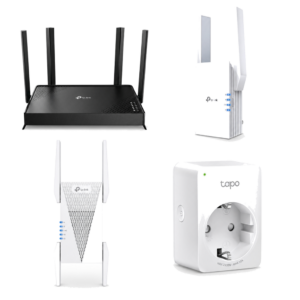
- 1–2 problem rooms → WiFi extender (RE305 or RE315). Fastest and cheapest fix.
- 3–4 problem rooms → more powerful extender (RE700X) or two extenders.
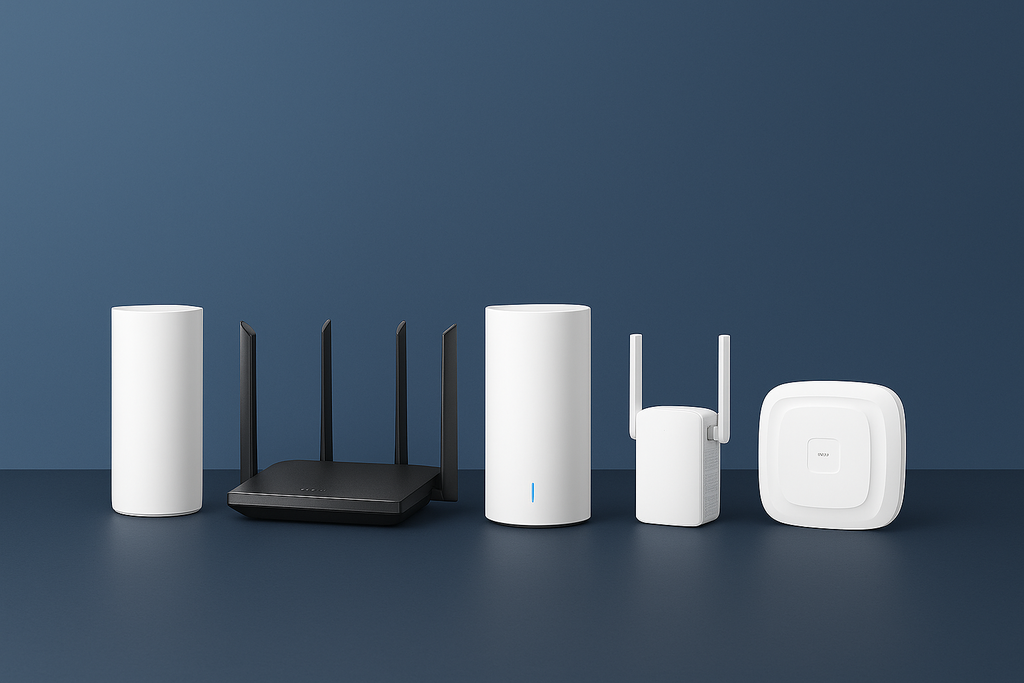
- Weak WiFi throughout the home → mesh system (Deco M4). Replaces the router with a whole-home network.
Step 3 — Position the device correctly
Place the extender halfway between your router and the dead zone — not inside the dead zone itself. Position it where the signal is still present but weak, typically a hallway or the room before the problem area.
Not sure which solution is right for you? Use our Fix My WiFi tool at iotgn.com/fix-my-wifi — answer 3 questions and get an exact product recommendation.
Постави WiFi екстендер по средата между рутера и мъртвата зона. RE305 е подходящ за 1–2 стаи, RE700X за по-голям проблем.
Не. В повечето случаи WiFi екстендер решава проблема без да сменяш рутера.
От €29 (RE315) до €74 (RE700X) в зависимост от размера на проблемната зона.
Да. Всички TP-Link екстендери са съвместими с всякакъв рутер.